Fast, sealed and private.

PocketCmd is a server console for your pocket, on iOS, Android, macOS, Windows and Linux. Built with three things in mind: security, efficiency and privacy. State-of-the-art encryption and architecture, a native C core and not a byte of telemetry.

No account, no catch.

SSH, Mosh, Eternal Terminal and Telnet in one fleet. Servers are recognized by host key, so a changed IP is not a lost server.

What is this?

Ever heard of Termius, Blink Shell, Shelly, JuiceSSH, and the dozens of other SSH clients out there? We've used most of them. PocketCmd is our take on what a proper mobile server console should look like.

We wanted one that meets our needs as people who do this for a living.

Show on
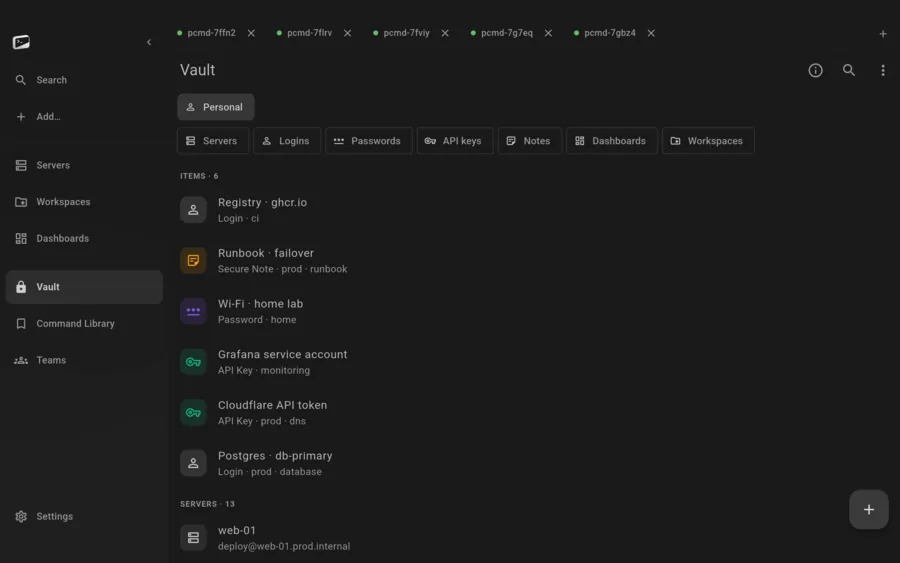
Encrypted vault listing logins, API tokens and notes

Security

Your keys are sealed to the chip.

Your secrets are sealed to the chip.
The vault key lives in the Secure Enclave, StrongBox or a TPM 2.0 chip, and your app password is always a factor in opening it. On phones and tablets your face or fingerprint stands in for typing that password; the desktop builds ask for the password itself.
A stolen phone is a locked box.
Your app password is stretched with Argon2id and mixed into the vault key, so an attacker needs the device and the password. Your phone without it gets them nothing.
We trust a host once, then hold to it.
Host keys are pinned on first use and checked on every connect after that. Telnet warns before it sends a single byte in the clear (yes, we still ship Telnet, some gear needs it).
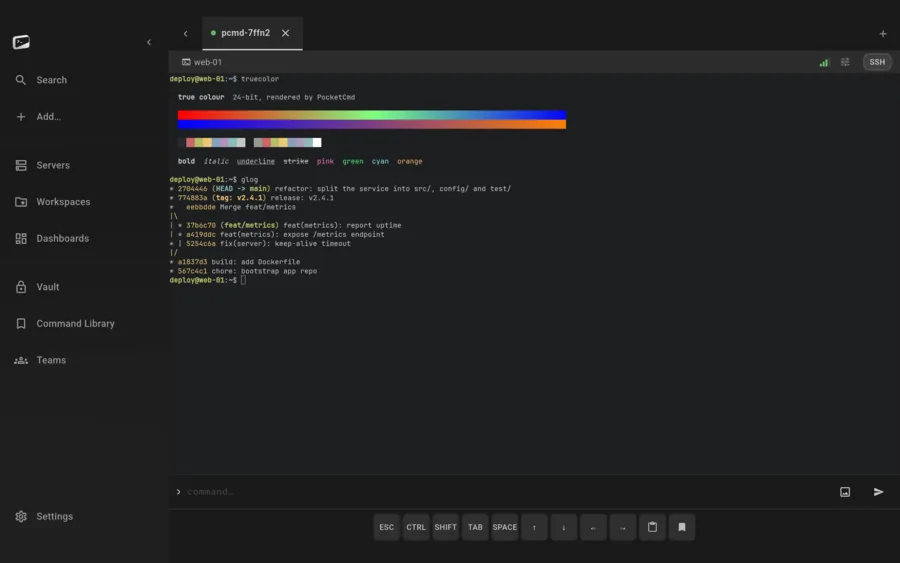
Terminal showing a true-color gradient and a colored git graph

Efficiency

A terminal written in C, not a costume.

Our own terminal renderer, written in C.
Libvterm parsing, 24-bit color. The bytes go from the socket straight into the renderer, no web view and no detours. We run benchmark tests against our terminal renderer.
Sessions that outlive the subway.
We wrote the Mosh and Eternal Terminal clients ourselves, from scratch, so a session survives roaming, sleep and even an app restart.
An idle session barely touches the battery.
One thread per connection. Fully configurable keepalive mechanics with optimized defaults. Wake and Wi-Fi locks on Android are optional, per category.
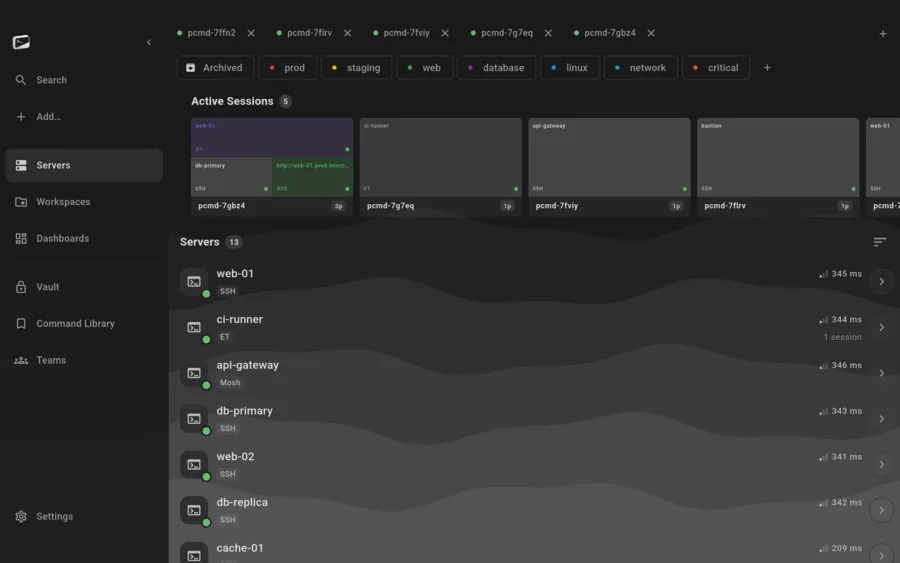
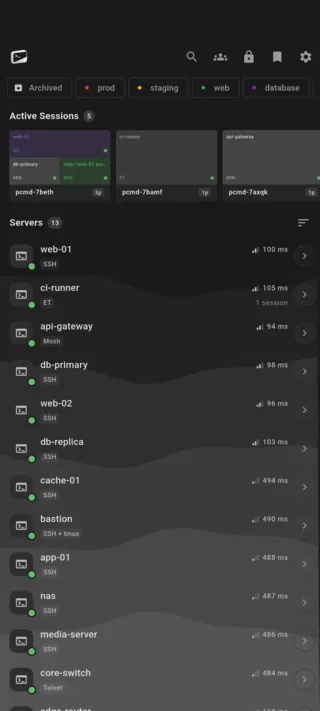
Server list in four groups with tags and protocol badges — no account, no sign-in anywhere in it

Privacy

No account, no relay, no telemetry.

Your traffic never meets us.
It goes from your device to your server. No relay, no middleman, no cloud account, no “sign in to continue”.
Your own server can't read your data either.
Sync (optional, self-hosted, one Go binary) is zero-knowledge: everything is encrypted on your device before it leaves. The server stores blobs it cannot open.
We collect nothing.
No analytics, no telemetry, no tracking SDKs, no crash reporter, literally nothing. We don't want your data, and we built it so we can't have it.

A terminal built for efficiency.

SSH on native libssh2 and OpenSSL (every key format, two-factor and keyboard-interactive logins, agent forwarding), Mosh and Eternal Terminal for the sessions that survive roaming and disconnects, and Telnet for the legacy gear that still speaks it. All of it on our own renderer, so it behaves like a terminal, not like a web page pretending to be one.

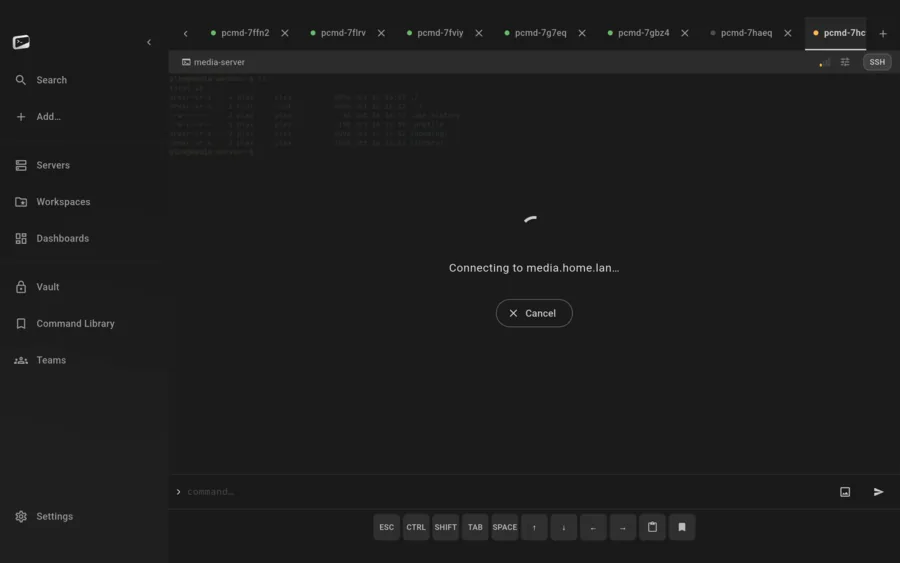
Session switcher listing four live sessions, one reconnecting

Open a server as a project.

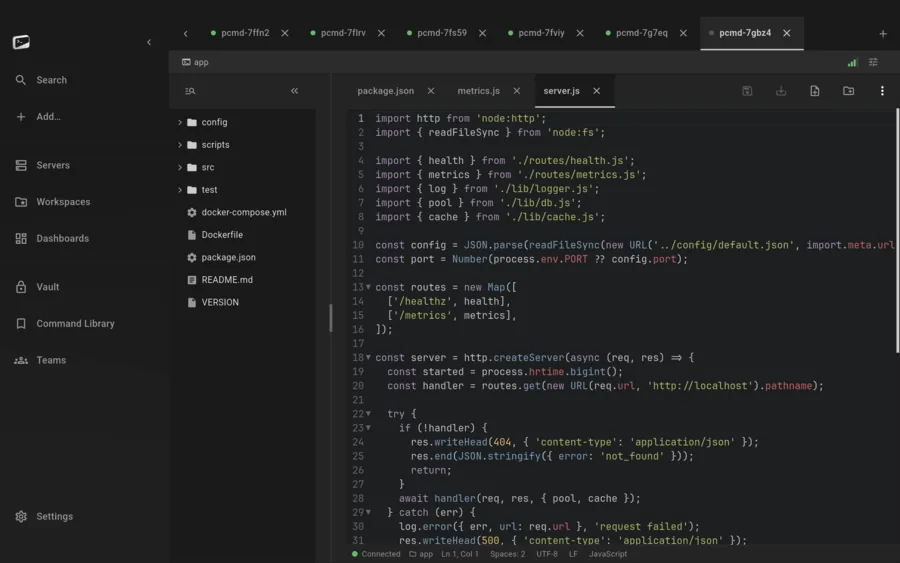
A workspace is a remote folder on one of your servers, opened the way you would open a project: a lazy file tree, a tabbed code editor with real syntax highlighting, fuzzy quick-open by filename, and a content search that runs grep on the server instead of dragging your files down to find a string.

A project open in a workspace: file tree, tabbed code editor and status bar

Live metrics via SSH or your own self-hosted server.

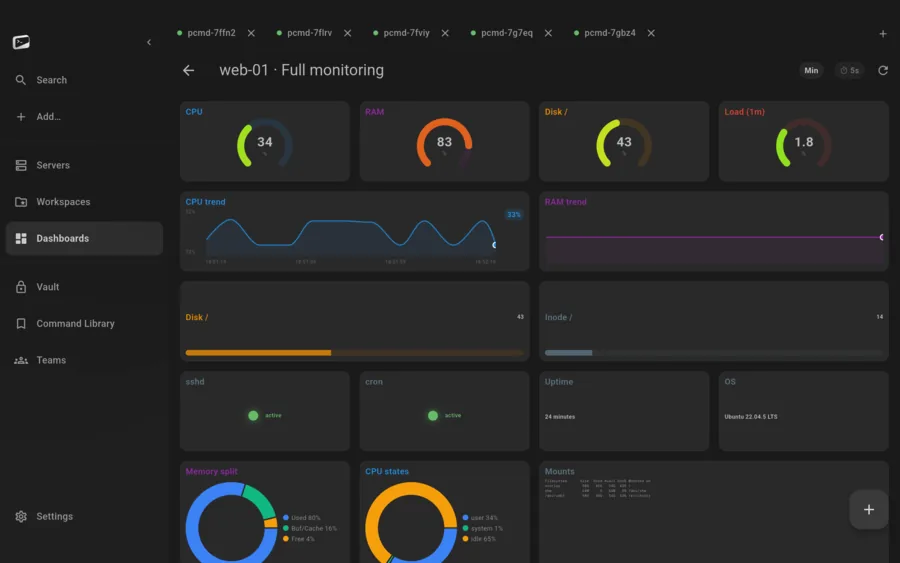
Fully customizable Dashboards of live metrics over the connection you already have. Pair the optional server and threshold alerts reach your phone even while the app is closed, pushed and monitored by your own machine, not ours.

System health dashboard with gauges and sparklines

Secrets sealed to your device.

An encrypted vault for passwords, key passphrases, tokens and notes, opened with your app password — or, on phones and tablets, with your face or fingerprint instead of typing it. Snippets, command templates and a curated command library sit right next to it. Want sync and teams? The optional server is an open-source Go binary you run yourself: pair by QR, sync zero-knowledge, hand out roles and invites.

Encrypted vault with logins, API tokens and notes

tmux, without the prefix key.

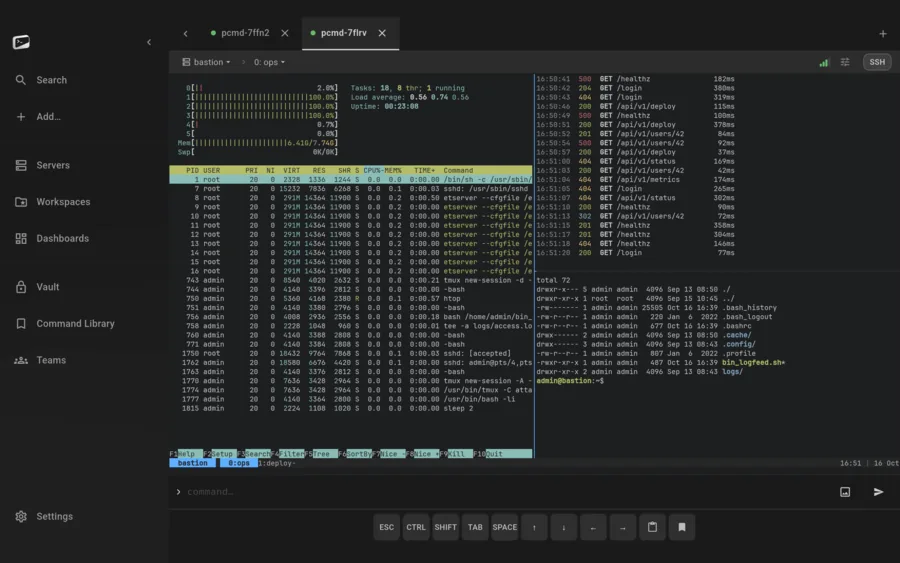
Your work lives in tmux on the server and keeps running when the connection drops. PocketCmd finds those sessions, attaches in one tap and keeps a live map of every session, window and pane, so what you would reach for Ctrl-b to do is a tap or a click away.

An assistant on your own model.

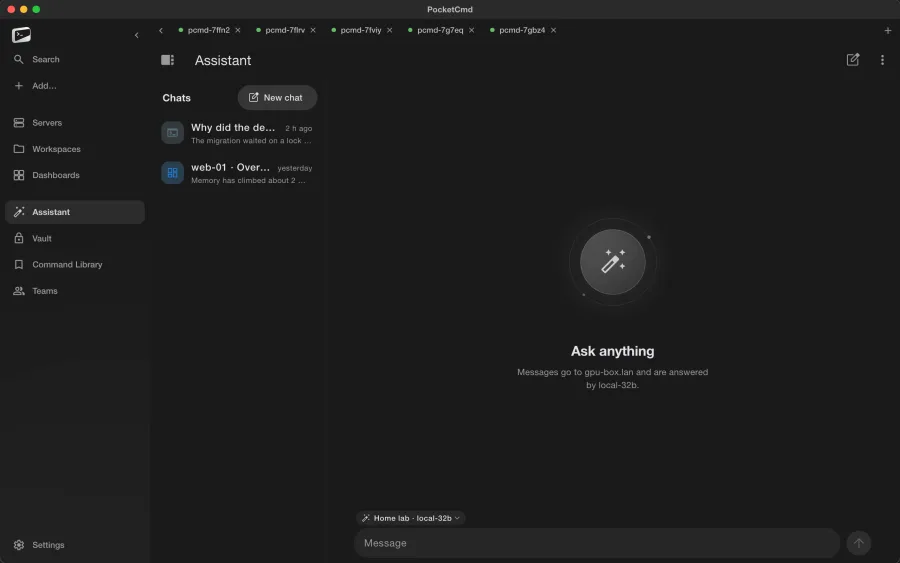
Bring the AI model you choose: a provider with your own key, or one you run yourself. The assistant knows your servers, sessions and dashboards without ever seeing their addresses, logins or passwords, and nothing it proposes runs until you press. It is free, and PocketCmd ships no model and runs no proxy.

Make it yours.

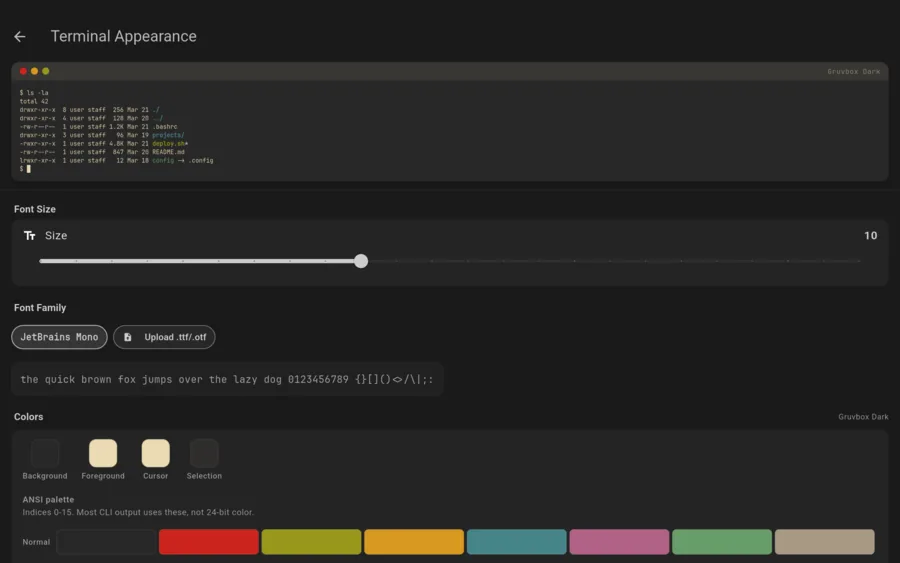
Dozens of terminal themes ship with the app, and every one of them is a starting point: change any color, every ANSI slot included, save the result under your own name, and bring your own fonts while you are at it.

The terminal appearance screen: a live terminal preview above font controls, the four named color swatches and the sixteen-slot ANSI palette

All of this is just the surface of what we've built. Setup, options and every detail live in the documentation.

One app, five platforms

One codebase with a native C core.

  • iOS 15 or later
  • Android 7.0 or later
  • macOS 13 or later
  • Windows 10 and 11
  • Linux x86_64 and arm64, glibc 2.35+
Download